We now have an updated bell UI. There was a bug has been fixed where more than one type of bell could not be updating at the same time, but that has been fixed. The tether bar is finalized. We also have new pop-ups to help the player through their gaming experience.
New kismet nodes are responsible for fixing the bug. A new Stop UI update node prevents bells from updating when they are no longer activated.
The pause menu has been implemented into level two. We also have new menu options for viewing the controls, and setting the game resolution.
Showing posts with label Tech. Show all posts
Tuesday, May 28, 2013
Thursday, May 16, 2013
Tuesday, May 14, 2013
New UI Elements
Got some UI in for showing the bell cooldown as player feedback. The blue drains away as the time runs out. It dynamically adjusts its play rate depending on how long the bell's cooldown time is set too.
I did not want to waste time learning how to deal with Scaleform in Unrealscript so I created a couple Kismet nodes to help me to move variables that I need for updating UI to Kismet.
Tuesday, April 30, 2013
Slingshot mechanic working!
So I spent a lot of time this weekend experimenting with the Slingshot mechanic. Interestingly enough, I realized purely by accident that you can "ricochet" yourself off of your surroundings, reaching areas you were not aiming directly at. This video shows me playing through two puzzles that I hope take advantage of this feature.
I think its very promising!
Saturday, April 27, 2013
Meetings and Consecutive Tethering Particle
So this weekend the Programming/Mechanics/Puzzle design team had a meeting to all get on the same page about what exactly it is that we are going to accomplish this quarter on the mechanics front. We are now all on the same page, and we have a much more solidified idea of the exact functionality we need from each mechanic.
We had a small group meeting earlier today. We discussed, among other things, some gameplay improvements that can be made to Level 1. These improvements deal with making Level 1 more about exploration, and revealing the narrative to the player as gameplay progresses.
We also decided on which bell concepts we wanted to use for what purposes.
And on a programming front, minor improvements have been made to the slingshot mechanic. Also, the particle effect for player feedback for consecutive tether switching has been implemented and looks pretty cool. This led to the discovery of a small bug concerning the consecutive tether switching, but it has been remedied. Huzzah!
Also, this happened.
We had a small group meeting earlier today. We discussed, among other things, some gameplay improvements that can be made to Level 1. These improvements deal with making Level 1 more about exploration, and revealing the narrative to the player as gameplay progresses.
We also decided on which bell concepts we wanted to use for what purposes.
![]() | |
| Flying Golem Bell - calls the flying golems Gravity Bell - suspends gravity Wind Bell - calls bursts of wind Level 1 Bell - used for environment exploration in level 1 |
And on a programming front, minor improvements have been made to the slingshot mechanic. Also, the particle effect for player feedback for consecutive tether switching has been implemented and looks pretty cool. This led to the discovery of a small bug concerning the consecutive tether switching, but it has been remedied. Huzzah!
Also, this happened.
Thursday, April 25, 2013
Slingshot Mechanic Prototyped!
Whoo! So the second of our major mechanics has an initial prototype. It still needs a lot of work, but its getting there!
//------------------------------------------------------------------------------------------------------------
state Slinging
{
local vector slingVelocity;
function PlayerMove(float DeltaTime)
{
// Move pawn to the current tether position.
Pawn.Velocity = -30 * slingVelocity;
UpdateRotation( DeltaTime );
}
event BeginState(Name PreviousStateName)
{
slingVelocity = HTPawn(Pawn).Location - HTPawn(Pawn).MovementBoundsPosition;
}
}
I know, you are saying, really Kersti? It took you that long to write this snippet of code? Jeeze you suck. This is just the snippet of code that defines what is happening. Easy peasy. The real challenge was in making this snippet work with the rest of the code. All the rest of my coding effort for this problem was in a million little places everywhere else in the script that needed some new variable, some new function. Also, I had to rework the way the states worked a little bit, but they work better now!
Anyway. From here on out for the slingshot mechanic, most of what I will need to do will be expanding this little snippet into a larger snippet. All the programming structure is in, now I just have to finesse it, make it more involved.
But before I do that, I am going to go back and fix up the Moveable Golem mechanic a bit. Also, going to implement a feedback particle for consecutive tether switching.
//------------------------------------------------------------------------------------------------------------
state Slinging
{
local vector slingVelocity;
function PlayerMove(float DeltaTime)
{
// Move pawn to the current tether position.
Pawn.Velocity = -30 * slingVelocity;
UpdateRotation( DeltaTime );
}
event BeginState(Name PreviousStateName)
{
slingVelocity = HTPawn(Pawn).Location - HTPawn(Pawn).MovementBoundsPosition;
}
}
I know, you are saying, really Kersti? It took you that long to write this snippet of code? Jeeze you suck. This is just the snippet of code that defines what is happening. Easy peasy. The real challenge was in making this snippet work with the rest of the code. All the rest of my coding effort for this problem was in a million little places everywhere else in the script that needed some new variable, some new function. Also, I had to rework the way the states worked a little bit, but they work better now!
Anyway. From here on out for the slingshot mechanic, most of what I will need to do will be expanding this little snippet into a larger snippet. All the programming structure is in, now I just have to finesse it, make it more involved.
But before I do that, I am going to go back and fix up the Moveable Golem mechanic a bit. Also, going to implement a feedback particle for consecutive tether switching.
Moveable Golem Kismet Node
Thought I had done this already, but it was brought to my attention that I hadn't. I made a kismet node that will change whether a moveable golem is moveable or not. This node can be activated when a bell rings to make specific golems moveable, and then activated again when a bell has finished its 'cooldown' to make the golems un-moveable again.
Saturday, April 20, 2013
Movable Pillar Prototype
We now have a working prototype of the Movable Golem mechanic.
The MovablePillar golem class has a forceApplied event that is triggered as long as the pawn is outside the tether length, aka 'stretching.' This sets the direction that the Golem should move. The tick function moves the golem so long as the tether is stretching. Otherwise, it interps to a stop.
event forceApplied(Vector direction)
{
directionVector = direction;
}
event Tick(float DeltaTime)
{
local vector movementVector;
// Inheritance
super.Tick(DeltaTime);
directionVector = VInterpTo(directionVector, vect(0,0,0), DeltaTime, 10);
movementVector = directionVector * DeltaTime;
movementVector.Z = 0.0;
Move(movementVector);
}
Aside from anything that Level and Puzzle designers ask me to change, I have a couple future fixes that I would like to implement. A 'mass' value for the golems, to determine how heavy they are, and how resistant to the pull of the pawn they are, so they don't move at the same speed as the player. Also, I want to experiment with using SmoothMove rather than Move to get a sliding effect. I want to make sure that the golems can be stopped by other assets with collision to limit the distance and places that the movable golems can go.
The MovablePillar golem class has a forceApplied event that is triggered as long as the pawn is outside the tether length, aka 'stretching.' This sets the direction that the Golem should move. The tick function moves the golem so long as the tether is stretching. Otherwise, it interps to a stop.
event forceApplied(Vector direction)
{
directionVector = direction;
}
event Tick(float DeltaTime)
{
local vector movementVector;
// Inheritance
super.Tick(DeltaTime);
directionVector = VInterpTo(directionVector, vect(0,0,0), DeltaTime, 10);
movementVector = directionVector * DeltaTime;
movementVector.Z = 0.0;
Move(movementVector);
}
Aside from anything that Level and Puzzle designers ask me to change, I have a couple future fixes that I would like to implement. A 'mass' value for the golems, to determine how heavy they are, and how resistant to the pull of the pawn they are, so they don't move at the same speed as the player. Also, I want to experiment with using SmoothMove rather than Move to get a sliding effect. I want to make sure that the golems can be stopped by other assets with collision to limit the distance and places that the movable golems can go.
Tuesday, April 16, 2013
A Particle and Programming Show, Feat. Porcupine Max
Brock Boutwell has been keeping up the great work in terms of particles, giving us even more particles to populate both Level 1 and the upcoming Level 2.
In addition, Kersti Kodas, while taking a break from the Sprint Sheets, has been doing a lot of behind the scenes work, performing programming fixes and setting up things to make placement of certain assets easier for the level designers of Level 2.
![]() |
| A small, fully animated candle flame! |
![]() |
| A school of fish to be used wherever there are large pools of water. |
![]() |
| Wind stream! Look out for these to be utilized much more often in Level 2. |
In addition, Kersti Kodas, while taking a break from the Sprint Sheets, has been doing a lot of behind the scenes work, performing programming fixes and setting up things to make placement of certain assets easier for the level designers of Level 2.
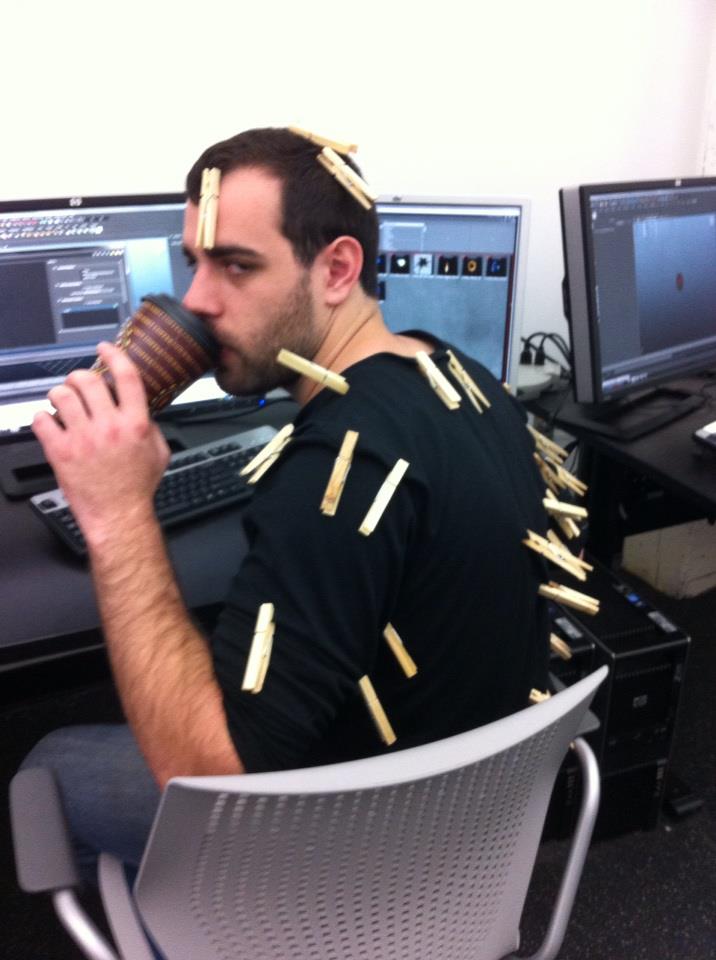
And, at some point during the weekend, the crew got a hold of a lot of clothespins...
Labels:
Entelechy,
Fu Group,
Mamais Group,
Particles,
Tech
Subscribe to:
Comments (Atom)